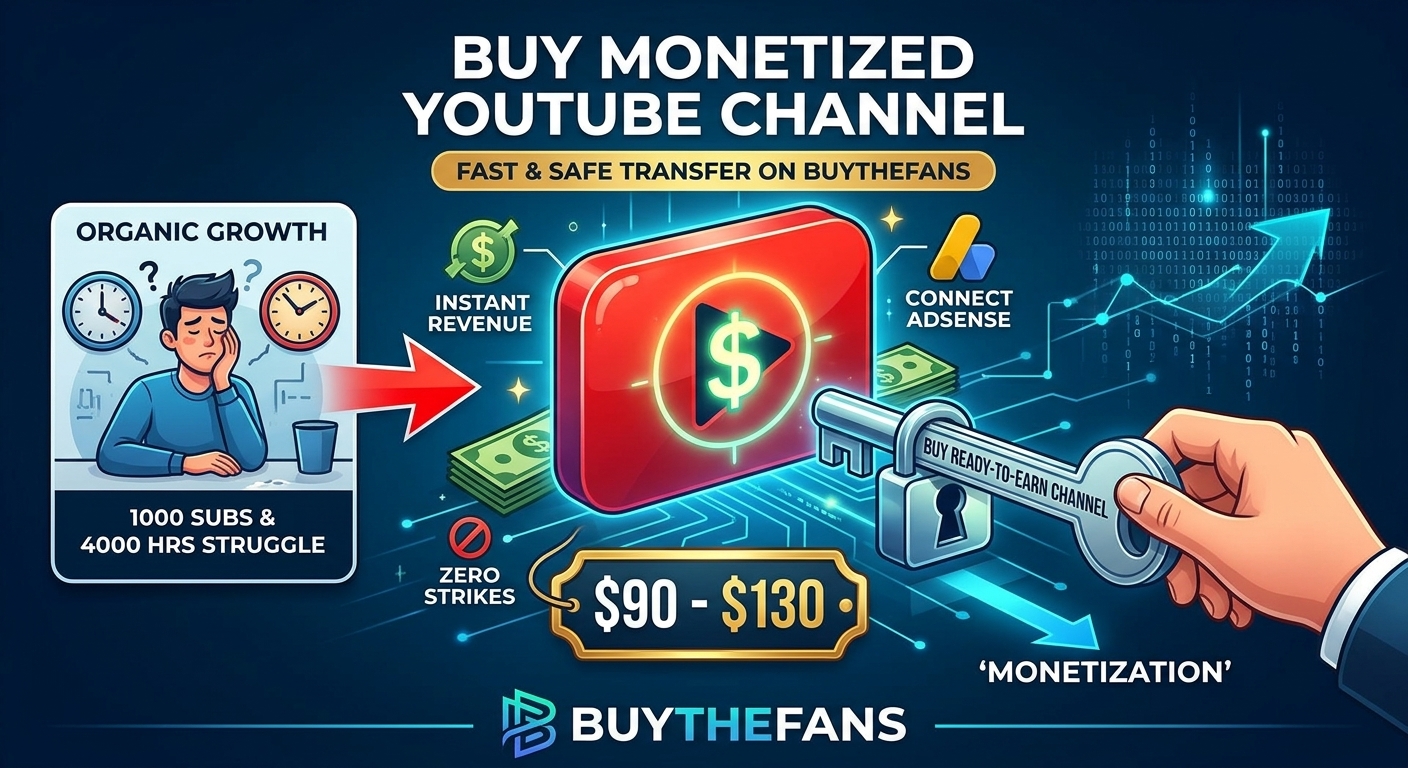
Buy Monetized YouTube Channel: Honest Pricing ($90–$130), Safe Transfer & AdSense Setup
Starting a YouTube channel from scratch is harder than most gurus admit. Between filming, editing, and praying the algorithm picks up your videos, hitting 1,000 subscribers and 4,000 valid public watch hours can easily swallow six months to a year of your life before you make a single cent.
For creators running faceless automation channels, media buyers testing new niches, or agencies managing multiple brands, waiting half a year just to apply for the YouTube Partner Program (YPP) makes no sense. That is why many smart creators choose to buy a monetized YouTube channel that is already approved and ready to connect to Google AdSense.
At the same time, buying a channel online can feel risky if you do not know how ownership transfer actually works. In this guide, we walk through the exact process, real pricing ($90 to $130), safe transfer rules, and what to check before you ever spend a dollar—so you protect your investment and start earning from day one.
Why People Buy a YPP-Approved YouTube Channel Instead of Starting at Zero
When you purchase a pre-monetized channel, you are not buying shortcuts—you are buying time and immediate monetization eligibility. Here is what changes immediately when you start with an approved channel:
- Earn AdSense Revenue From Upload #1: Because the channel has already cleared YouTube's Partner Program review, you can turn on pre-roll and mid-roll ads on your very first video.
- Ready for Your Own Google AdSense Account: You do not use anyone else's tax or payout profile. Inside YouTube Studio, you simply link your own approved Google AdSense account so every payout goes straight to you.
- Full Niche & Brand Freedom: You can rename the channel, pick a fresh
@handle, update the logo and banner, and publish content in your own niche (finance, tech, gaming, documentaries, or faceless automation). - Skip the "Dead Channel" Phase: New channels with zero subscribers suffer from low viewer trust. Starting with an established 1,000+ subscriber base helps new viewers take your content seriously.
Time-to-Revenue Analytics: Pre-Monetized Channel vs. Starting from Zero
Comparing a pre-approved monetized channel against building a brand-new channel from scratch highlights how much launch time and early ad revenue are saved during the first 6 months:
Monetized Channel Launch Efficiency & Cost Benchmark
Ad Readiness, Cost Value & Transfer Safety (%)
Operational readiness from Day 1 vs. waiting months for YPP review
6-Month AdSense Earning Readiness Curve
Immediate ad activation vs. 4–5 month organic qualification wait
Real Pricing: How Much Does a Monetized YouTube Channel Cost?
Many third-party brokers charge $300 to $600+ for basic monetized channels simply because they are middlemen marking up the price. On BuyTheFans, verified monetized YouTube channels range from $90 to $130, depending on channel tier and current inventory.
| Channel Specification | BuyTheFans Direct | Typical Reseller Brokers |
|---|---|---|
| Price Range | $90 – $130 | $300 – $600+ |
| Monetization Status | YPP Approved & Ready for Google AdSense | Often pending review or unverified |
| Threshold Requirements | 1,000+ Subscribers & 4,000+ Watch Hours Met | Varies by seller |
| Account Standing | Zero Copyright & Community Strikes | No strike audit guarantee |
| Ownership Transfer Method | Invite within 24 hrs → Full Owner after 7 days | Risky raw password handovers |
How to Buy a Monetized YouTube Channel on BuyTheFans (Step-by-Step)
To keep every transaction tracked, transparent, and protected inside your dashboard, follow this exact workflow from signup to full ownership:
- Create Your Free Account: Visit the BuyTheFans Sign Up page and register your account so your orders, wallet balance, and support tickets remain organized in one place.
- Add Funds to Your Wallet: Open the Add Funds page and top up your balance ($90 to $130 depending on the selected channel). Supported payment methods include Stripe (Credit/Debit Cards), Cryptocurrency (Crypto), Skrill, Payoneer, and additional gateways available inside your dashboard.
- Submit Your Order & Email Address: Select the Monetized YouTube Channel service, enter the email address (Gmail) where you want to receive channel ownership, and complete your order.
- Accept the Manager / Owner Invite (Within 24 Hours): Within 24 hours, we send an official Google Brand Account invitation to your email address. Once accepted, you have full control inside YouTube Studio to upload videos, rebrand the channel, and connect your Google AdSense account.
- Remove the Previous Manager After 7 Days: Google enforces a standard 7-day security waiting period on Brand Account ownership transfers. Once 7 days have passed, you can remove the previous manager inside your Google Brand Account settings and become the sole Primary Owner permanently.
5 Golden Rules to Keep Your Monetized Channel Safe After Transfer
Whether you buy your channel from BuyTheFans or anywhere else, follow these practical habits to protect your monetization status long-term:
- Do Not Delete Existing Qualifying Videos Immediately: If the channel holds existing videos that support its 4,000 watch hours, set them to Unlisted instead of permanently deleting them while you publish your new content.
- Link a Clean Google AdSense Account: Connect an AdSense account in good standing that has never been suspended for invalid traffic.
- Enable 2-Step Verification (2FA): Protect your Gmail login with two-factor authentication before accepting the channel invite.
- Publish Original or Properly Licensed Content: Follow YouTube's monetization and reused-content policies so your channel stays in good standing.
- Keep a Consistent Upload Schedule: Publish 2–3 fresh videos during your first week so YouTube's recommendation engine aligns the channel with your target audience.
Frequently Asked Questions (FAQ)
1. How much does a monetized YouTube channel cost on BuyTheFans?
Verified monetized YouTube channels on BuyTheFans cost between $90 and $130, ready for immediate Google AdSense connection and Brand Account transfer.
2. Which payment methods can I use to add funds?
After signing up on BuyTheFans, you can add funds via Stripe, Crypto, Skrill, Payoneer, and other supported payment gateways inside the Add Funds section.
3. How fast will I receive access to the YouTube channel?
Once you submit your order and enter your email address, we send your Brand Account invitation within 24 hours.
4. Why do I have to wait 7 days before removing the previous manager?
That 7-day window is a mandatory Google security policy for all YouTube Brand Accounts. You can manage the channel and connect AdSense immediately upon accepting the invite, and on Day 8 you can remove the previous manager to remain the sole Primary Owner.
5. Can I connect my own Google AdSense account?
Yes. Every channel is ready for you to link your own approved Google AdSense account inside YouTube Studio so all ad revenue is paid directly to you.
Ready to Start Your Monetized YouTube Journey?
Skip months of waiting for YPP review. Create your free account on BuyTheFans, fund your wallet via Stripe, Crypto, Skrill, or Payoneer, and receive your AdSense-ready YouTube channel invite within 24 hours.